Fast transcription
Groq's Whisper AI converts speech into text within seconds, keeping your train of thought intact.
TurboDictate turns English or Arabic speech into ready-to-use text in seconds—on your computer, on your phone, and wherever typing slows you down.
Use TurboDictate for quick messages, long notes, documents, ideas, and any moment when speaking is faster than reaching for the keyboard.
Groq's Whisper AI converts speech into text within seconds, keeping your train of thought intact.
Switch between English and Arabic based on what you want to say—not what your keyboard is ready for.
Start English with Alt+R or Arabic with Alt+A and dictate from the application you are already using.
Select TurboDictate Voice as your input method and dictate directly into supported text fields.
Review, copy, and reuse earlier transcription results without losing useful notes and phrases.
Recordings are processed and immediately deleted. TurboDictate does not keep your audio on the server.
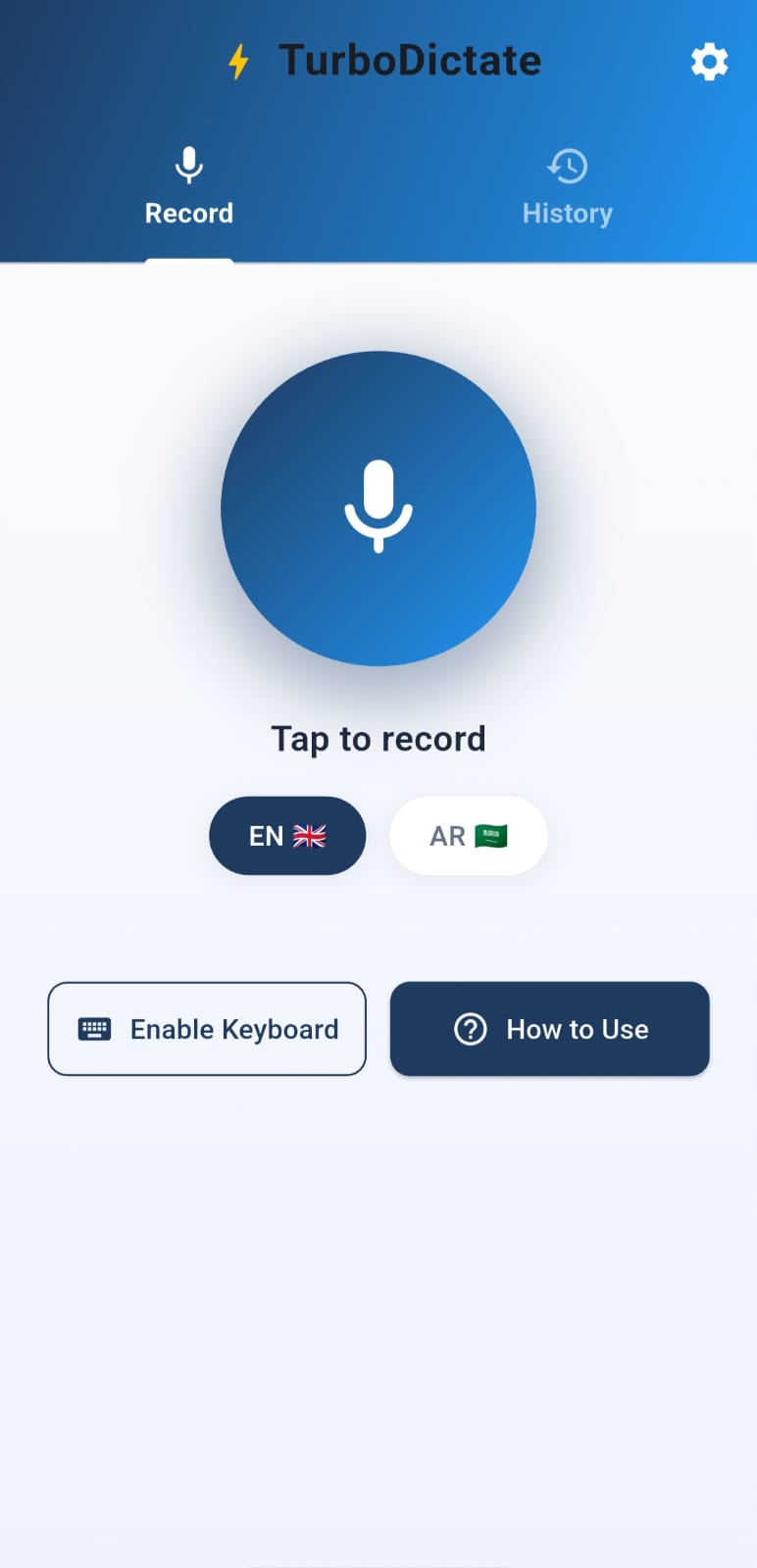
Choose Windows or Android below, then launch TurboDictate.
Use the same name on each device so your usage can be recognized consistently.
Use a Windows hotkey or select the Android TurboDictate voice keyboard.
Stop when finished, then paste, copy, edit, or send your transcription.
The information page leads directly to both available TurboDictate applications.
Global English and Arabic hotkeys with clipboard-ready transcription wherever you work.
Download Windows app Version 1.2.0 · Windows 10+A dedicated voice keyboard for dictating into messages, notes, forms, and other apps.
Download Android app Version 1.2.0 · Android 7.0+